Accessible Video Storytelling for Disability Nonprofits
Make every story accessible. Practical video guidelines for disability nonprofits—captions, AD, and inclusive edits.
Why Accessibility Grows Reach—and Revenue
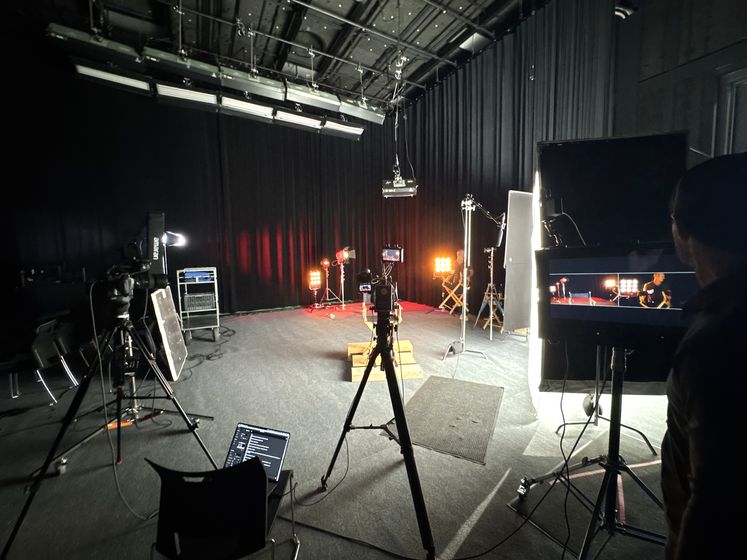
Accessible videos aren’t a “nice to have.” They expand your audience, improve watch-through rates, and raise more funding because more people can understand, engage, and share your content. When we produce disability-forward campaigns, like with Eunie’s Buddies, NDSS, or Autism Speaks—we build accessibility into scripts, filming, and edits from day one. That’s how nonprofits earn higher completion rates, stronger sentiment, and more donations across every platform.
Benefits you’ll see:
- Higher watch-through from accurate captions and clear on-screen text
- More shares because content is easier to follow on silent feeds
- Donor trust when you visibly prioritize inclusion and dignity
Pre-Production: Write for Accessibility
Accessibility starts before you touch a camera.
- Language & framing
- Prefer person-first (e.g., “people with Down syndrome”) when appropriate; consider identity-first if the community uses it (e.g., “Autistic adults”).
- Avoid “suffers from” and “victim of.” Focus on agency and dignity.
- Script clarity
- Write action lines that describe visuals viewers must understand: “She opens the AAC device and selects ‘I want to play.’”
- Keep one idea per sentence for easy captioning and translation.
- Consent & representation
- Use informed consent forms in plain language.
- Offer options to review final cuts for sensitive stories.
Production: Capture for Clarity
- Sound
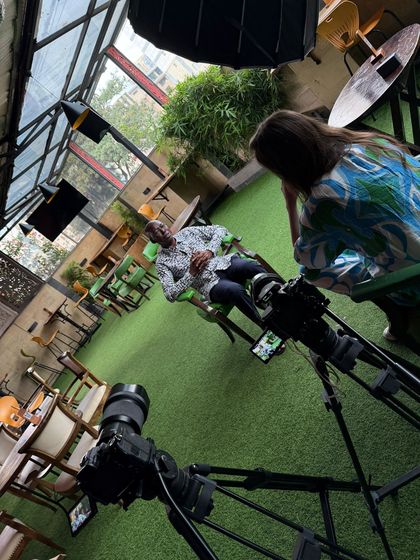
- Mic the subject (lavalier) and monitor levels with headphones. Crisp audio reduces caption errors and increases comprehension.
- Picture
- Even, diffused lighting; avoid blown highlights.
- Compose with space for on-screen text (safe areas for mobile).
- On-screen text
- Minimum 60–72 px equivalent for mobile readability.
- High contrast (e.g., white text on dark box), left-aligned, short lines.
Post: Captions, Audio Description, Motion Hygiene
- Captions
- Use closed captions (SRT or platform native).
- Include SDH cues (e.g., [music], [laughter]) when it affects meaning.
- Keep 2 lines max, ~32–42 characters/line; sync within 100–200ms.
- Audio Description (AD)
- Add AD when important visual info isn’t spoken.
- Choose human-voiced AD for flagship content; high-quality AI for speed when needed.
- Motion safety
- Avoid rapid flashes, strobe effects, and hyper-aggressive zooms.
- Make transitions purposeful, not decorative.
Distribution: Platform-Ready Accessibility
- YouTube: Upload SRT; fill the transcript; add chapter markers.
- Instagram/TikTok: Burn-in subtitles or use native caption tools; check line breaks.
- Thumbnails & embeds: Add alt text; avoid text-only images.
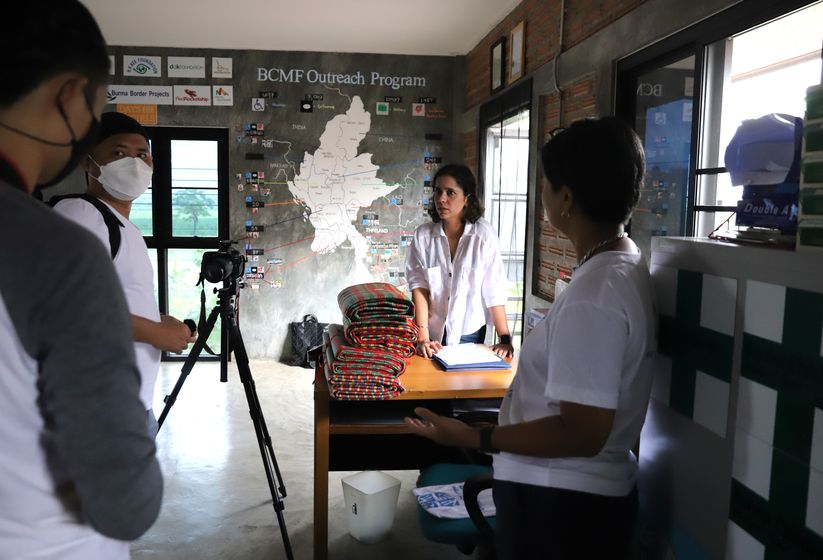
Real-World Examples
- Eunie’s Buddies: Accessible mentor recruitment explainer featuring parents, with crisp captions and plain-language CTAs → higher sign-ups.
- NDSS Buddy Walk: On-screen text + high-contrast lower thirds → stronger completion on mobile.
- Autism Speaks (AAC): Subtitled device interactions + respectful narrative framing → meaningful engagement.
The 10-Minute Accessibility QA
- Captions accurate, timed, and readable?
- Sufficient text contrast and font size?
- Any essential visuals described or spoken?
- Motion safe (no flashes / unnecessary whip pans)?
Need a fast Accessibility Pass before launch? We’ll caption, AD-review, and export platform-ready files.
Schedule a free consultation with a nonprofit video expert
At Happy Productions, we help nonprofits use video to create volunteer spotlights
Schedule Free Consultation →
Explore More Resources
- Our Nonprofit Video Production Services — See how we help nonprofits tell stories that drive donations and engagement.
- Case Studies — Real results from 26+ nonprofit clients including 36M+ organic reach and 500% engagement increases.
- Fundraising Video Production — Videos designed to inspire donations and boost donor retention.
Not sure where to start?
Book a free strategy call. We'll workshop a video concept for your nonprofit — no charge, no pitch deck.
Book my free callReady to put your story on screen?
Tell us what you're working on. In 15 minutes we'll sketch the video with you — what to film, who to put on camera, and where it should run.